
Download JobsWord – Powerful Word‑Processing App for macOS
Overview
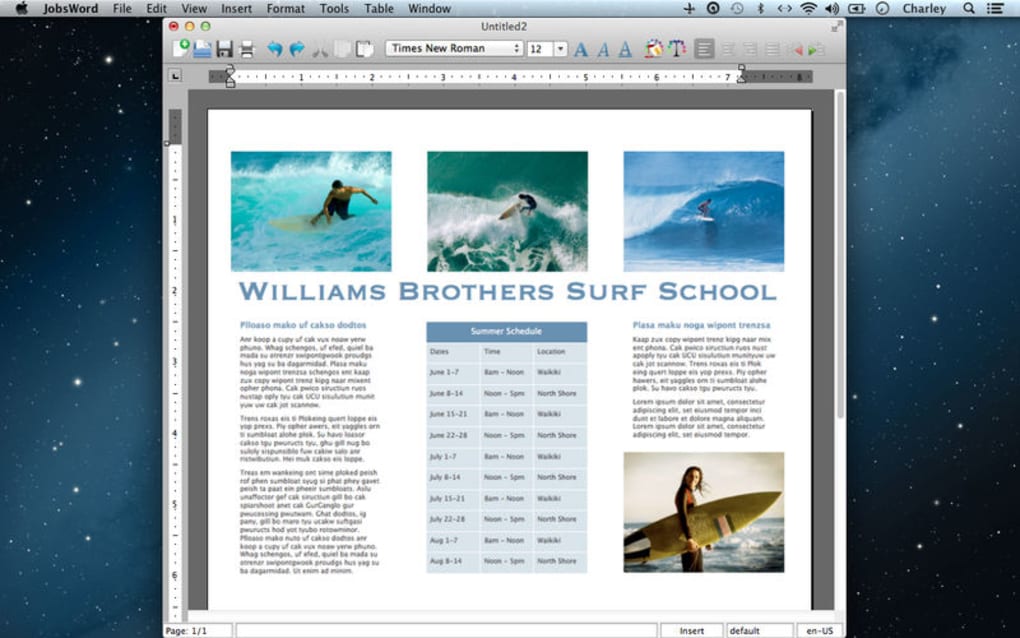
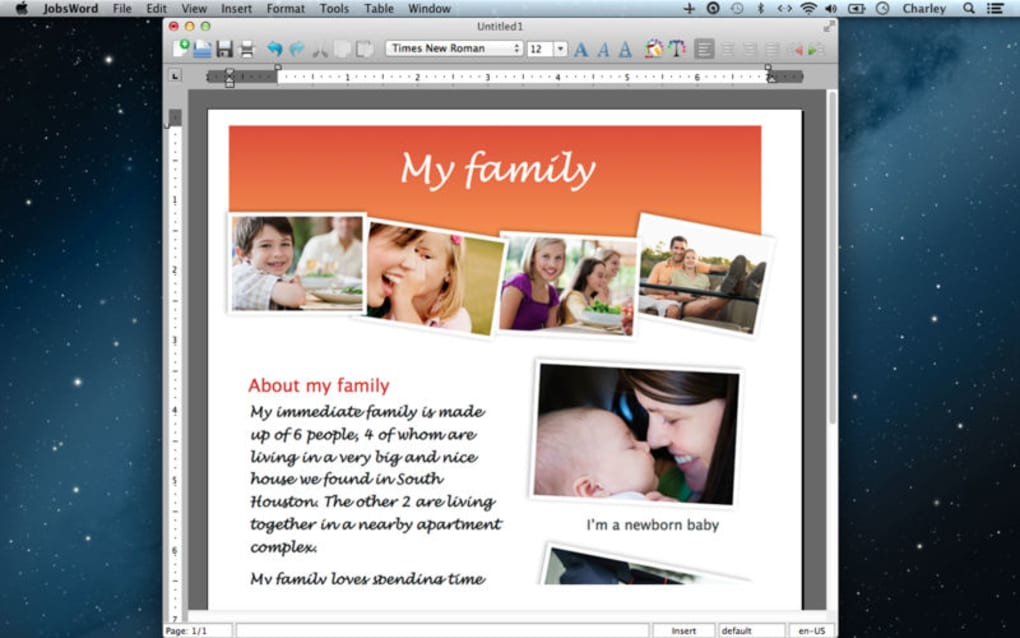
JobsWord is a sleek, purpose‑built word‑processing application designed exclusively for Apple computers. Priced at a modest $9.99, the app promises a blend of traditional text editing with advanced layout capabilities that go beyond the basics. Users can create everything from simple memos to visually rich documents such as curricula vitae, newsletters, and brochures.
The interface follows Apple’s clean design language, offering a familiar feel for macOS enthusiasts. While JobsWord shines when it comes to handling complex page designs, it does have notable shortcomings. The lack of an automatic save feature means that users must remember to manually back up their work, and the absence of an integrated spell‑checker can be a deal‑breaker for those who rely on real‑time proofreading.
Nevertheless, the inclusion of a library of pre‑built templates gives a jump‑start to users who need professional‑looking documents without spending hours on design. In short, JobsWord is a niche tool that bridges the gap between a plain text editor and a full‑blown desktop publishing suite, making it a worthwhile consideration for users who need more than a basic note‑taking app but less than an expensive design program.
Key Features
- Rich Layout Engine – Drag‑and‑drop images, tables, and text boxes onto a canvas that supports multi‑column formatting and custom margins.
- Template Library – Over 30 professionally designed templates for CVs, newsletters, flyers, and business reports.
- Advanced Typography – Access to OpenType features, ligatures, and kerning controls directly within the editor.
- Export Options – Export documents as PDF, DOCX, or RTF, preserving layout integrity across platforms.
- Document Organization – Built‑in folder view that groups files by project name, date, or custom tags.
- Custom Styles – Save and reuse paragraph and character styles for consistent branding.
- Lightweight Installation – The installer occupies less than 80 MB, ensuring a quick download and minimal disk footprint.
These features collectively make JobsWord a versatile tool for students, freelancers, and small business owners who need to produce polished documents without learning complex desktop‑publishing software. While the app does not include a spell‑checker, its robust layout capabilities compensate by allowing users to craft eye‑catching visuals that stand out in competitive environments.
Installation, Usage & Compatibility
Getting JobsWord up and running is straightforward. Follow these steps to install the app on a compatible Mac:
- Visit the official JobsWord website or the Mac App Store.
- Click the Download button; the file is a standard
.dmgpackage. - Open the
.dmgand drag the JobsWord icon into theApplicationsfolder. - Launch JobsWord from the Launchpad or Finder. On first run, macOS may ask for permission to access files and folders – grant access to ensure the app can open and save documents.
JobsWord is compatible with macOS 11 (Big Sur) and later, including macOS 12 Monterey and macOS 13 Ventura. The app does not support Windows, Android, or iOS devices, reflecting its focus on the desktop publishing workflow typical of macOS users.
Once installed, the workflow is simple but requires discipline:
- Create a New Document – Choose a blank canvas or select a template from the library.
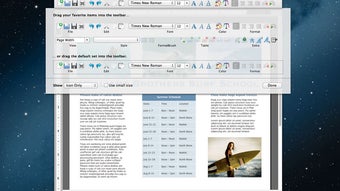
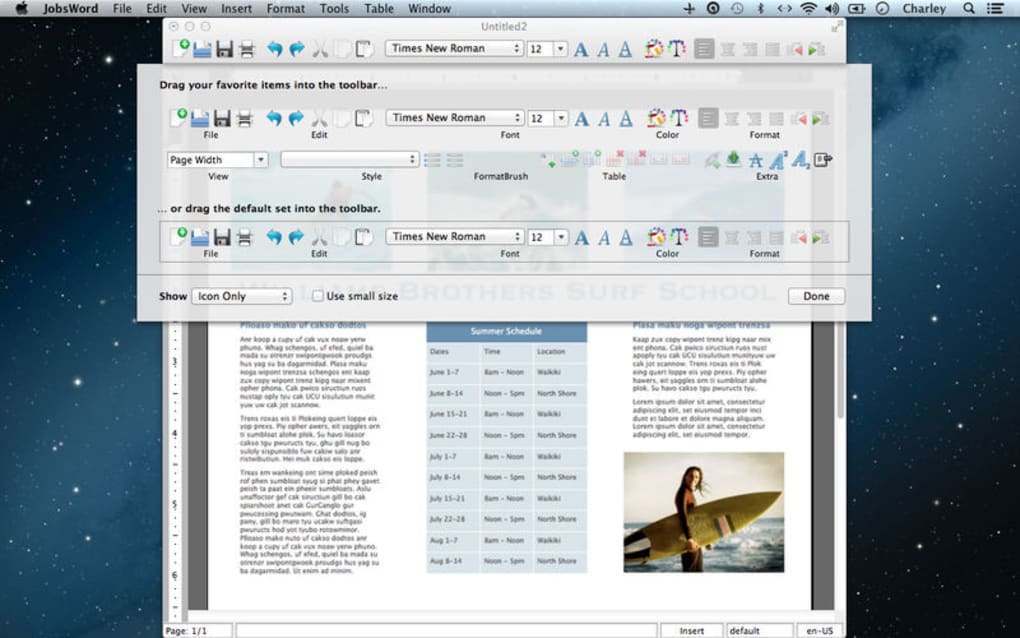
- Design Your Layout – Use the toolbar to insert images, tables, and text boxes. Adjust margins and columns via the Page Setup menu.
- Save Manually – Click File → Save (or press ⌘S) frequently. JobsWord does not autosave, so manual saving is essential to avoid data loss.
- Export or Share – When finished, export the file as PDF for distribution or as DOCX for further editing in other word processors.
Because JobsWord lacks an auto‑save feature, many users adopt a routine of saving after each major edit and keeping backup copies on iCloud or an external drive. This practice ensures that the powerful layout tools are not undermined by accidental data loss.
Pros & Cons
Pros
- Highly capable layout engine for complex documents.
- Extensive template library reduces design time.
- One‑time purchase price of $9.99—no subscription fees.
- Export to multiple formats while preserving design fidelity.
- Lightweight footprint, ideal for older Mac hardware.
Cons
- No automatic save or cloud sync; manual saving is mandatory.
- Missing built‑in spell‑check, which is unusual for a word processor.
- Document navigation can be cumbersome; locating older files isn’t intuitive.
- Limited to macOS—no Windows or mobile versions available.
- Occasional bugs when handling very large tables or high‑resolution images.
Frequently Asked Questions
Does JobsWord support automatic saving?
No, JobsWord does not include an autosave feature. Users must manually save their work using ⌘S or the File → Save menu.
Can I use JobsWord on Windows or iOS devices?
JobsWord is a macOS‑only application. It does not run on Windows, Android, or iOS platforms.
Is there a spell‑check feature built into JobsWord?
Unfortunately, JobsWord lacks an integrated spell‑checker, so users should rely on external tools or copy text into a spell‑checking service before finalizing documents.
What file formats can JobsWord export to?
JobsWord can export documents as PDF, DOCX, and RTF, ensuring compatibility with most word‑processing and publishing workflows.
Is the $9.99 price a one‑time fee or a subscription?
The $9.99 charge is a one‑time purchase; there are no recurring subscription fees.
Conclusion & Call to Action
JobsWord occupies a unique niche in the macOS ecosystem. For users who need more than a basic text editor but aren’t ready to invest in heavyweight desktop‑publishing software, it delivers a surprisingly rich set of layout tools at a very affordable price point. The absence of autosave and spell‑checking are legitimate concerns, yet they can be mitigated with disciplined saving habits and external proofreading tools.
If your workflow revolves around creating polished newsletters, eye‑catching CVs, or multi‑column brochures, JobsWord offers a cost‑effective solution that balances power and simplicity. Ready to give JobsWord a try? Download JobsWord now and start designing professional‑grade documents on your Mac today.







